

Download Microsoft Office 2016 – Office Suite for Mac, Windows, Secure One‑Time Purchase
Overview
Microsoft Office 2016 remains a solid, full‑featured productivity suite for anyone who prefers a classic, one‑time‑purchase model over a subscription. Available for both macOS and Windows, this edition bundles the core applications that have become staples in homes, schools, and businesses worldwide. Whether you need to draft a research paper, crunch numbers, design a presentation, or keep your notes organized, Office 2016 delivers a familiar, reliable interface that works offline and integrates smoothly with other Microsoft products.
Three licensing options—Home & Student, Home & Business, and Standard—allow you to select the right mix of apps and the appropriate number of seats for your environment. While newer offerings like Microsoft 365 push cloud‑first collaboration, Office 2016 still shines for users who value perpetual licenses, offline capability, and a predictable cost structure. The suite includes Word, Excel, PowerPoint, OneNote, and, in the Business and Standard editions, Outlook.
Each program is optimized for macOS Catalina and later, offering 64‑bit performance, security updates, and compatibility with the latest file formats. By choosing Office 2016 you gain a proven, stable platform that will continue to receive critical security patches, ensuring that your documents stay safe without the need for an ongoing subscription.
Key Features of Microsoft Office 2016
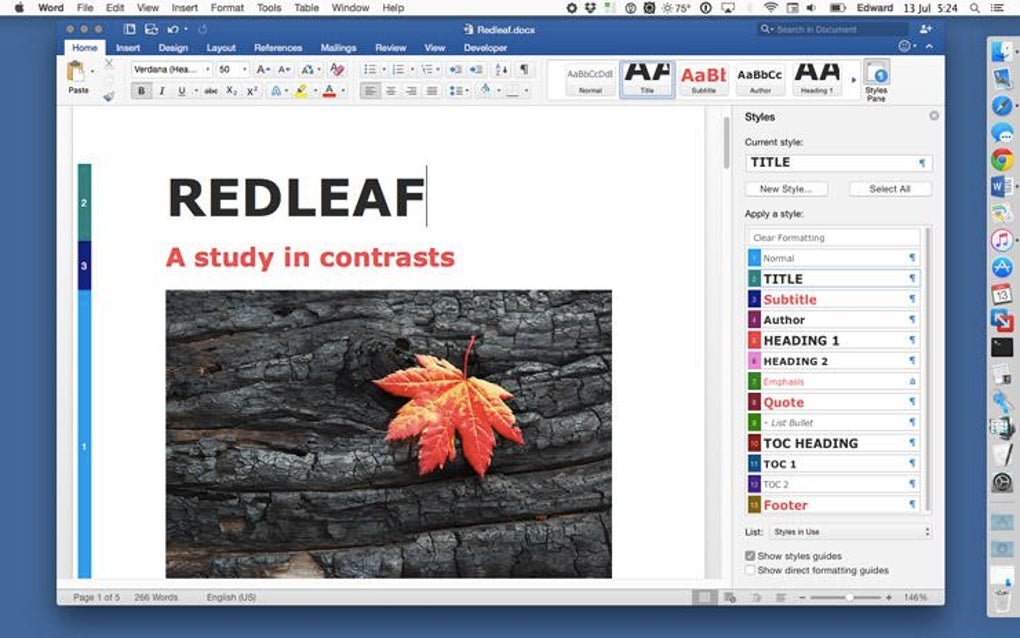
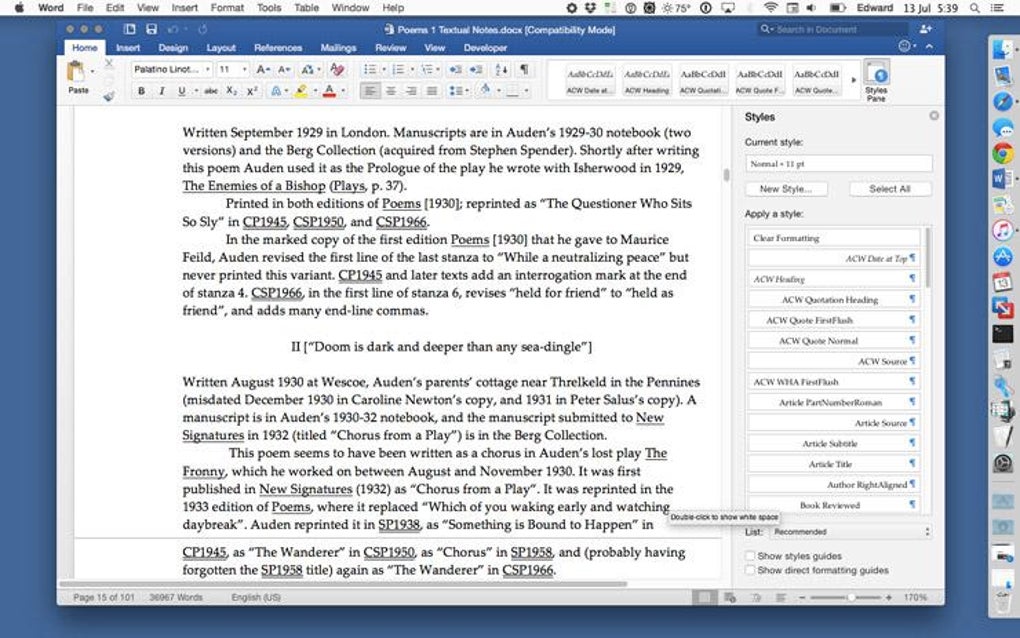
- Microsoft Word: Advanced layout tools, real‑time collaboration via OneDrive (optional), and extensive template library.
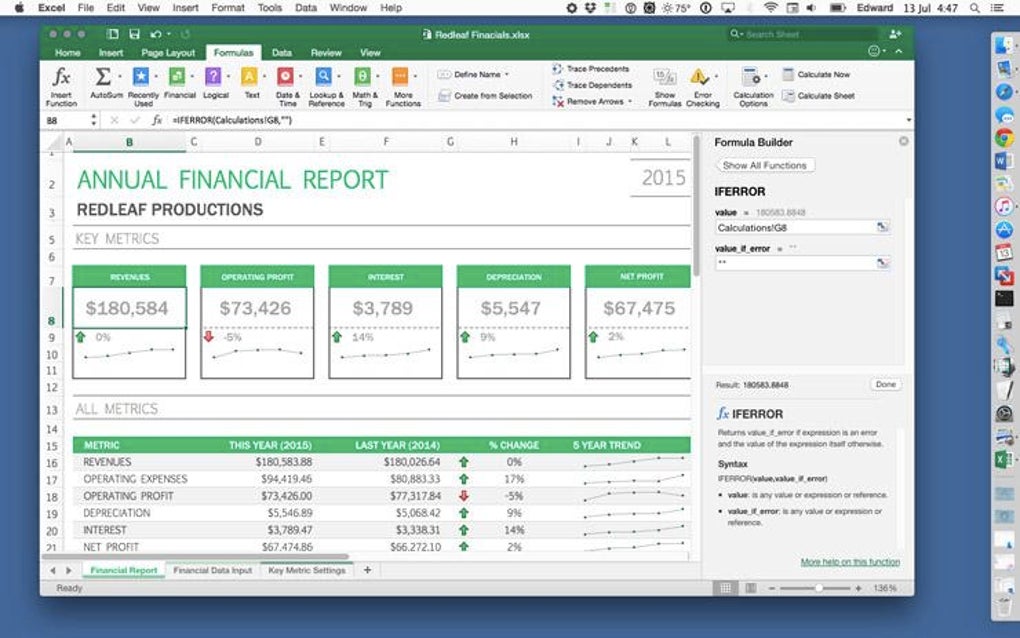
- Microsoft Excel: Powerful formulas, pivot tables, data visualisation, and new chart types for deeper analysis.
- Microsoft PowerPoint: Sleek transitions, 3‑D models, and easy embedding of Excel charts for dynamic presentations.
- Microsoft OneNote: Free‑form digital notebook with ink support, multimedia embedding, and cross‑device syncing when paired with a Microsoft account.
- Microsoft Outlook (Business & Standard only): Integrated email, calendar, contacts, and task manager with focused inbox and quick‑step automation.
- Co‑authoring support: Real‑time document editing when files are stored on OneDrive or SharePoint, even though the suite itself is offline‑first.
- 64‑bit architecture: Better memory handling, enhanced performance on modern Macs and PCs, and improved security.
- Compatibility with modern file formats: Full support for .docx, .xlsx, .pptx, ensuring seamless exchange with users of newer Office versions.
- Accessibility features: Built‑in screen‑reader support, high‑contrast modes, and keyboard shortcuts for inclusive use.
- Long‑term security updates: Critical patches released through October 2020, guaranteeing a protected environment for years.
Installation, First‑Time Setup and Usage Guide
Getting Microsoft Office 2016 up and running on your Mac is straightforward. First, purchase the appropriate edition from an authorized reseller or the Microsoft Store. After the transaction, you’ll receive a download link and a product key. Click the link to download the .dmg installer; the file size is roughly 2 GB, so a stable internet connection is recommended.
Once the .dmg mounts, drag the Office folder to your Applications directory. macOS may prompt you to confirm the installation of apps from an unidentified developer—choose “Open” and enter your administrator password when asked. After copying, launch any Office app (for example, Word). The first launch triggers the activation wizard.
Enter the 25‑character product key, sign in with your Microsoft account (optional but helpful for future license recovery), and complete the activation process. If you’re installing on macOS Catalina or later, ensure you run the 64‑bit version (Office 2016 15.25 or newer). The installer automatically detects the appropriate architecture.
Post‑installation, you’ll find the Office suite in your Launchpad. Opening an app for the first time may trigger a brief update check; allowing this ensures you have the latest security fixes. To start a new document, choose “New” from the File menu or use one of the built‑in templates. All classic shortcuts (⌘ N, ⌘ S, ⌘ P) work as expected, and the ribbon interface remains familiar to long‑time Office users. For collaboration, you can save files to OneDrive (free 5 GB included) and invite others to edit, but the core functionality works entirely offline—perfect for travelers or environments with limited internet access.
Pros, Cons and Frequently Asked Questions
Pros
- One‑time purchase eliminates recurring fees.
- Full offline capability; no internet required for core features.
- Stable 64‑bit performance on modern macOS and Windows.
- Comprehensive feature set that matches the latest Office versions.
- Long‑term security updates through 2020, with continued support for critical patches.
Cons
- Higher upfront cost compared with monthly Microsoft 365 plans.
- No built‑in cloud storage beyond optional OneDrive integration.
- Limited to a single device per license (unless you buy the Standard edition).
- No continuous feature updates—new features stop after the 2016 release cycle.
- Less seamless collaboration than Microsoft 365’s always‑online ecosystem.
Frequently Asked Questions
Can I install Office 2016 on both Mac and Windows with a single license?
No. The license is platform‑specific. You must purchase a separate Mac or Windows edition, or choose the cross‑platform Microsoft 365 subscription if you need both.
Is Microsoft Office 2016 still receiving security updates?
Yes, critical security patches were released up to October 2020, and Microsoft continues to provide essential updates for legacy products on a case‑by‑case basis.
Do I need an internet connection to activate Office 2016?
Activation requires an internet connection the first time you run the software. After activation, you can use the suite completely offline.
Can I upgrade from Office 2016 to Microsoft 365 later?
Yes. You can purchase a Microsoft 365 subscription at any time. Your existing Office 2016 files remain fully compatible, and you can keep both installations side‑by‑side if desired.
What are the system requirements for the 64‑bit version on macOS?
A Mac running macOS 10.12 Sierra or later, at least 4 GB RAM, and 10 GB of free disk space. The 64‑bit installer works on macOS Catalina (10.15) and newer.
Conclusion – Secure Your Productivity with Microsoft Office 2016 Today
If you value a dependable, feature‑rich office suite without the hassle of monthly billing, Microsoft Office 2016 is still a compelling choice. Its perpetual license, offline functionality, and familiar user experience make it ideal for students, freelancers, and enterprises that prefer controlled IT budgets. By downloading the appropriate edition—Home & Student for basic needs or Home & Business for added Outlook capabilities—you gain instant access to the industry‑standard tools that power documents, spreadsheets, presentations, and notes worldwide. Click the download button below, follow the simple installation steps, and start creating professional‑grade content right away. Remember, a one‑time purchase today can save you years of subscription fees while keeping your data secure and your workflow uninterrupted.







